PilotCheck by Pilotryx for GA Pilots
Aircraft checklists, FRAT decision support, saved COM frequencies, and pressure conversion — focused tools that reduce tool-switching during GA pilot preparation.
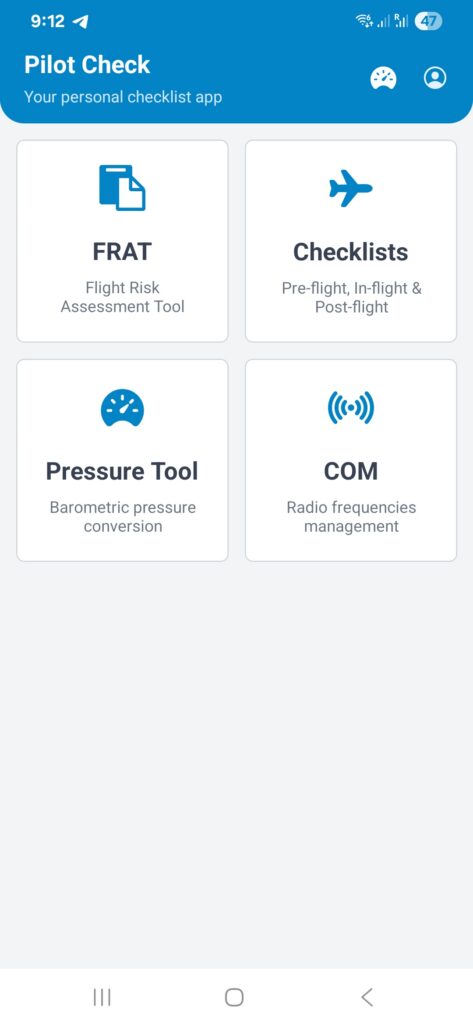
Current Tools in PilotCheck Beta
PilotCheck brings together the GA tools you use most, so you spend less time switching between apps and more time on consistent preparation.
Aircraft Checklists
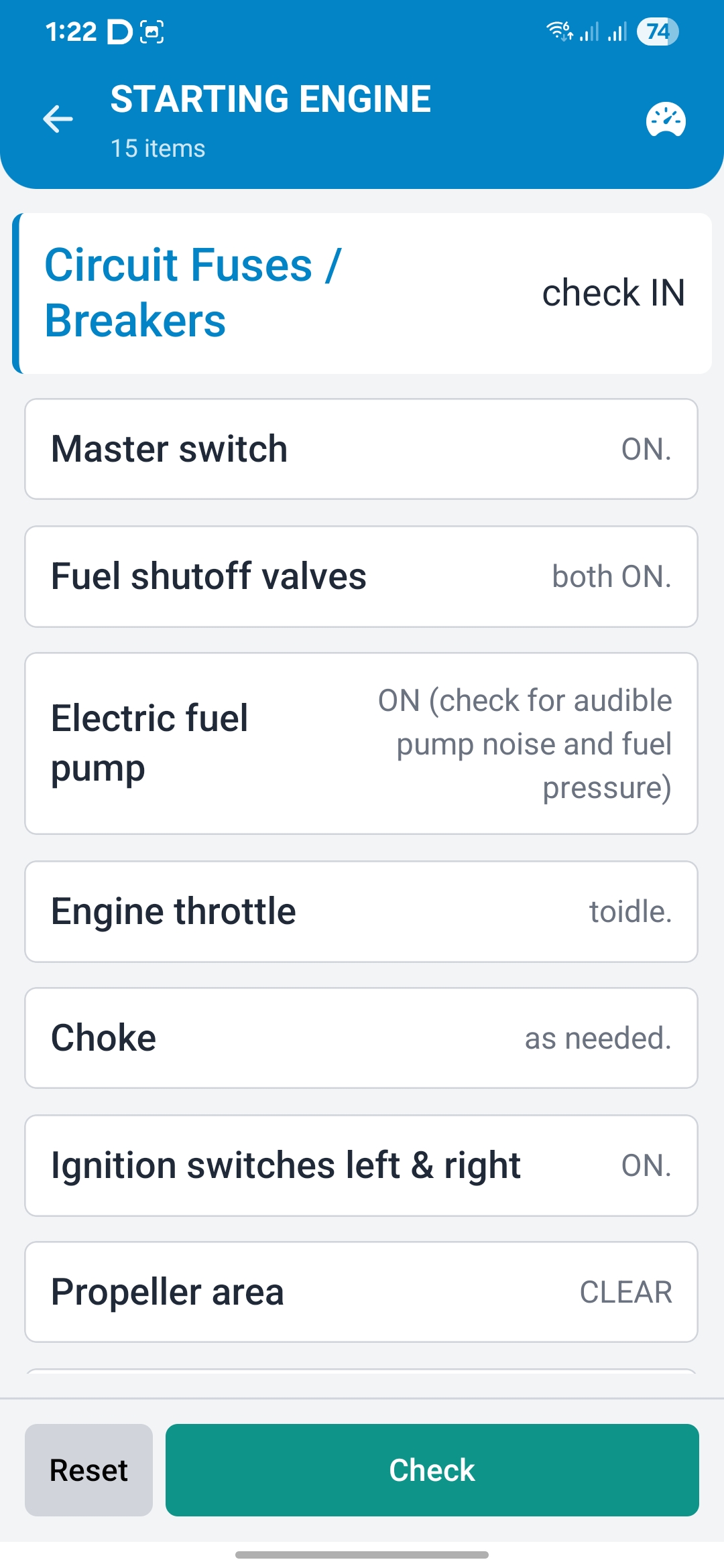
Build and configure phase-based checklists for your aircraft. Always verify your checklists against the applicable POH/AFM and approved operator procedures before use.
FRAT Decision Support
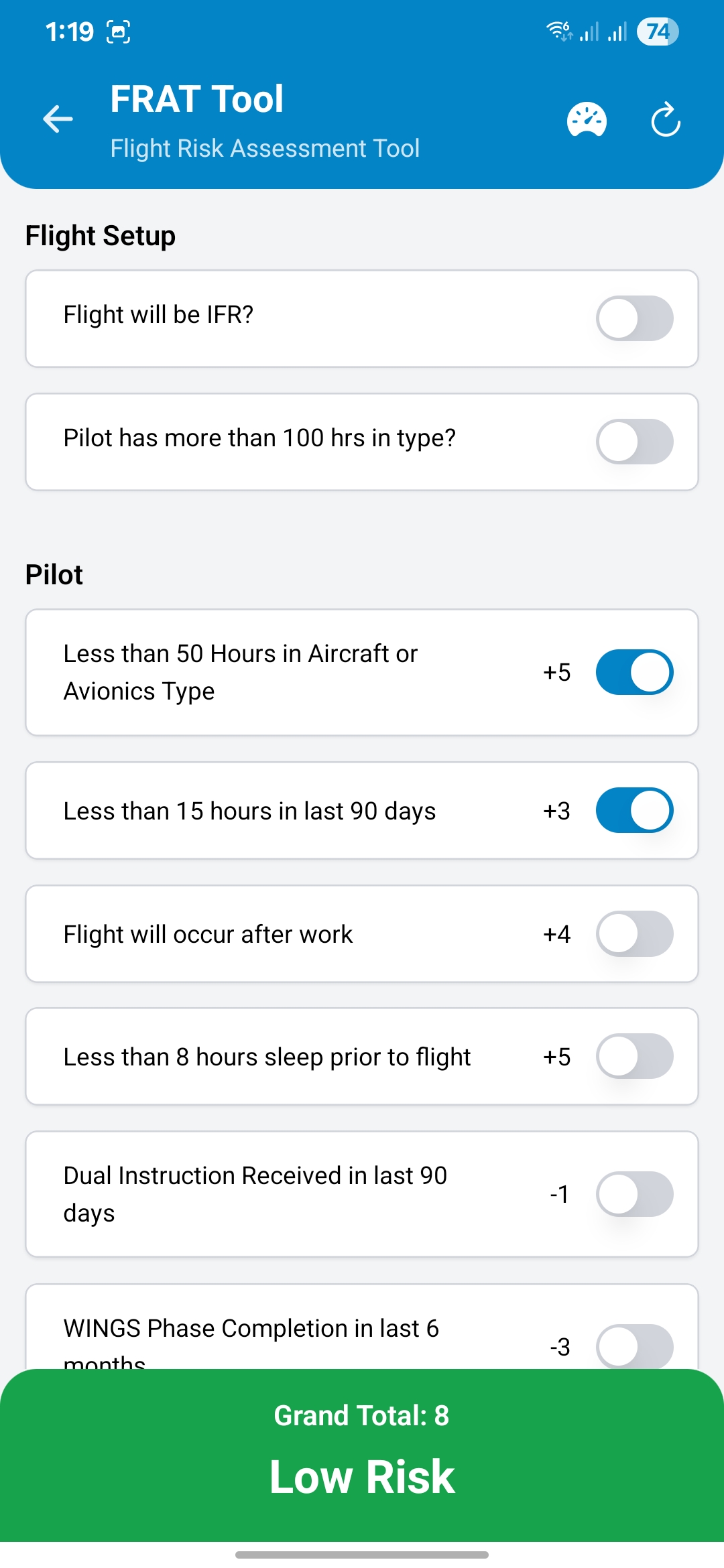
A structured Flight Risk Assessment Tool that helps you identify and weigh risk factors before each flight. A decision-support aid — the flight decision remains yours.
COM Frequencies
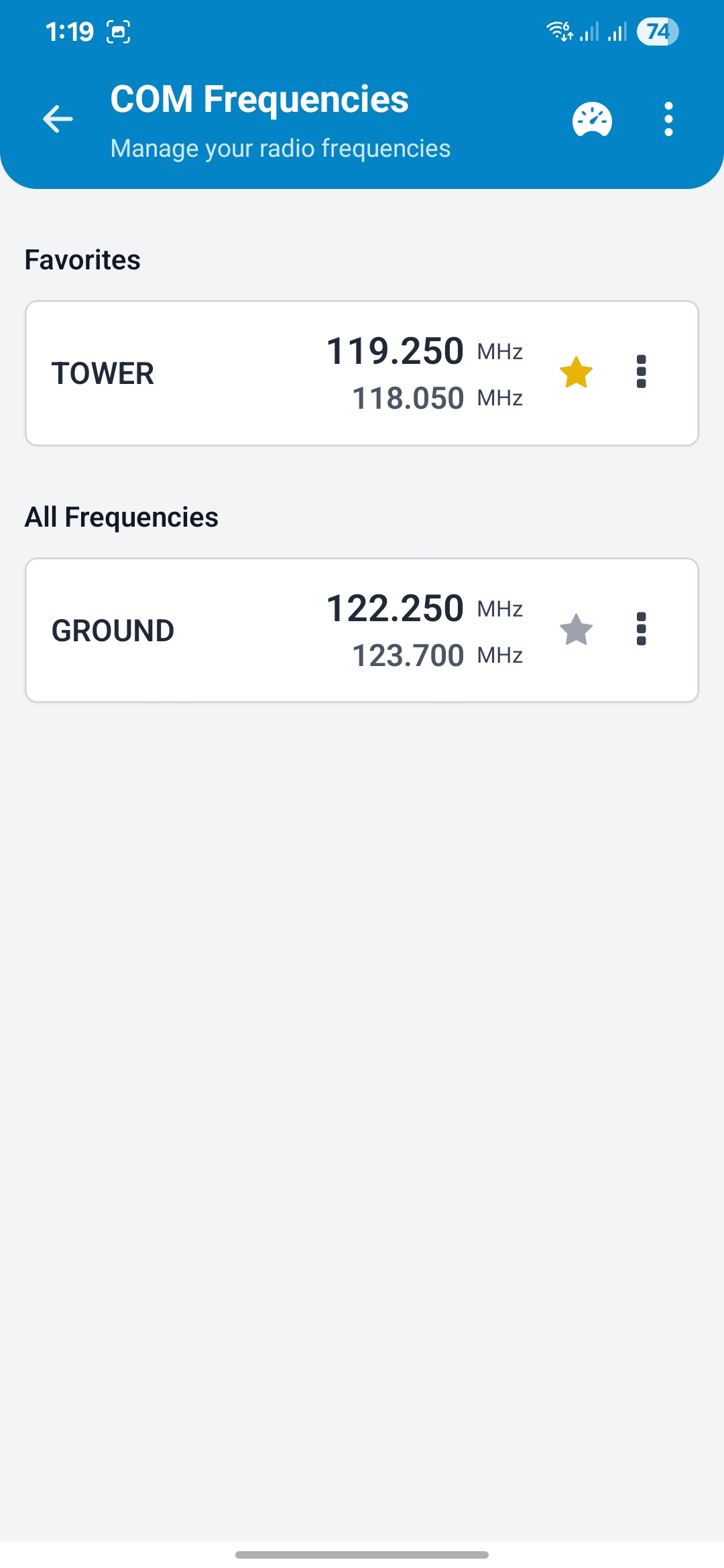
Save and quickly reference common radio frequencies — tower, ground, ATIS, and more — so they're ready when you need them.
Pressure Converter
Instantly convert between inHg, hPa, and millibars. Useful for altimeter settings and cross-referencing weather briefings.
Built for GA Pilots
Whether you're learning to fly or teaching others, PilotCheck supports your preparation workflow.
Student Pilots
Build consistent habits from the start with structured checklists and a FRAT that reinforces risk-awareness alongside your training.
- Structured checklists
- Risk awareness
- Consistent preparation
Private Pilots
Keep your preparation consistent between flights with quick-reference tools for saved frequencies, pressure conversion, and pre-flight risk awareness.
- Quick reference
- FRAT support
- Reduced tool-switching
Flight Instructors
Demonstrate structured preparation to students using configurable checklists and FRAT as a teaching aid alongside official documentation.
- Teaching aid
- Student demos
- Structured preparation
See It in Action
Clean, intuitive screens designed for quick reference in the cockpit.
Frequently Asked Questions
Got questions? We've got answers.
Who is PilotCheck for?
Which platforms are included in the beta?
How does beta access work?
Do PilotCheck tools work offline?
Can I customize checklists for my aircraft?
What is the FRAT based on, and how should I use it?
Can a FRAT result make a go/no-go decision for me?
What information is collected when I join the beta?
Is PilotCheck free during beta?
How can I contact support or ask a privacy question?
Still have questions? Join our early testing program and we'll be in touch.
Join the PilotCheck Beta
Be among the first pilots to try PilotCheck. Get early access, share real-world feedback, and help decide which features we build next.
Email-Only Signup
Start by sharing only your email address
Shape the Product
Your feedback directly influences development
Beta Updates
We'll share next steps and progress news by email